
The Ultimate Guide to Automated Legal Invoice Management (April 2026)

When was the last time you sent an invoice the same day you finished the work? For most law firms, there's a gap between case completion and invoice delivery because someone has to sit down and manually build it. That delay costs you time and cash flow you've already earned. If you automate your legal invoices, the system drafts and sends them the moment a workflow milestone hits without waiting on anyone's calendar.
TLDR:
- Automated legal invoicing cuts 60-90 day collection cycles by generating invoices at workflow milestones, not after manual assembly
- Firms lose revenue when billing happens separately from casework due to forgotten time entries and delayed invoice delivery
- Native payment processing inside case workflows accelerates cash flow by letting clients pay invoices in one click from their portal
- LEDES compliance and validation rules catch billing errors before invoices go out, reducing disputes and rejected submissions
- Glade automates legal invoices from intake to payment using AI agents that collect retainers, generate invoices, and run payment plans without staff intervention
What Is Legal Invoice Automation and Why It Matters in 2026
Legal invoice automation is the process of replacing manual billing tasks with AI-driven workflows that handle time tracking, invoice generation, payment collection, and follow-ups without staff intervention at every step.
For most small firms, billing is still a patchwork of spreadsheets, email chains, and manual data entry. The result? 74% of small law firms report that administrative overhead is a major or moderate challenge, and small firm lawyers spend only 60% of their time on actual client work. The rest goes to tasks that don't require a law degree.
That math compounds fast. Every hour spent chasing invoices or re-entering billing data is an hour not spent on cases. Automating legal invoices fixes the problem at the source.
The Hidden Costs of Manual Invoice Processing
Manual billing quietly drains revenue in ways that rarely show up on a single report. When invoices get assembled by hand, errors creep in, billing entries get forgotten, and follow-ups fall through the cracks. The longer a firm waits to send an invoice, the longer they wait to get paid.
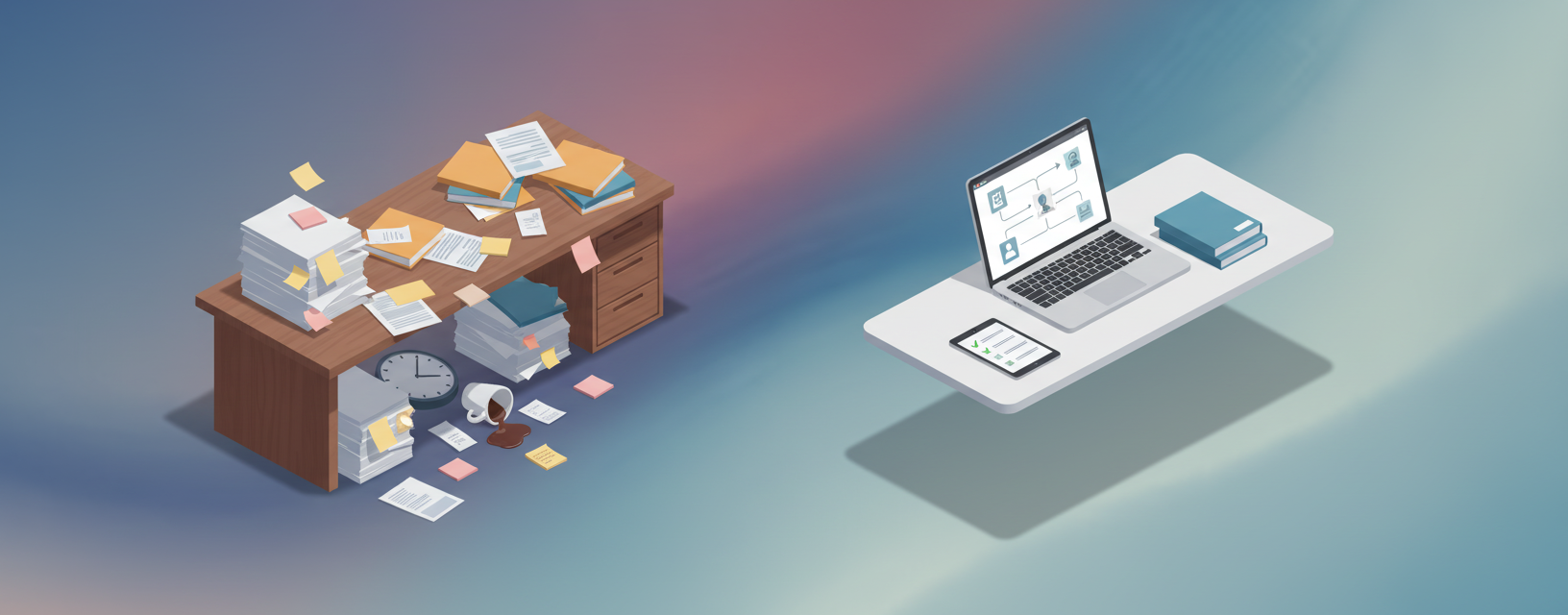
The direct costs are measurable: staff hours spent generating invoices, matching payments, and chasing overdue balances add up fast. The indirect costs tend to be worse:
- Delayed invoicing creates 60-90 day collection cycles that strain cash flow
- Billing errors erode client trust and invite disputes that take even more time to resolve
- Inconsistent follow-ups leave collected cash sitting on the table
- Staff bottlenecks make scaling case volume nearly impossible without adding headcount
Firms running on manual processes face a compounding problem: every new case adds more billing work, which means more staff time, which cuts into the margin that growth was supposed to create.
Billing Activity | Manual Processing | Automated System |
|---|---|---|
Time to generate invoice after case milestone | 7-14 days average due to manual assembly, data entry, and formatting requirements | Immediate generation at workflow completion without staff intervention |
Billing error rate | 15-25% of invoices contain rate errors, duplicate entries, or guideline violations requiring correction | Under 2% error rate with validation rules catching issues before delivery |
Average collection cycle | 60-90 days from invoice creation to payment receipt due to delivery delays and manual follow-ups | 30-45 days with automated delivery, native payments, and scheduled reminders |
Staff hours per 100 invoices | 40-60 hours for generation, delivery, payment matching, and dispute resolution | 5-10 hours for exception handling and review of flagged items only |
LEDES compliance verification | Manual review required for each corporate client invoice, taking 15-30 minutes per invoice | Automatic formatting and validation at template level with zero review time |
Payment collection friction | Clients receive invoice via email, must initiate separate payment through check, wire, or external portal | One-click payment inside client portal where case information already lives |
Key Components of Automated Legal Billing Systems
Automated legal billing works best when every component feeds into the same system instead of operating in isolation. The components below work together so that billing happens as a natural byproduct of casework, not a separate task someone has to remember.
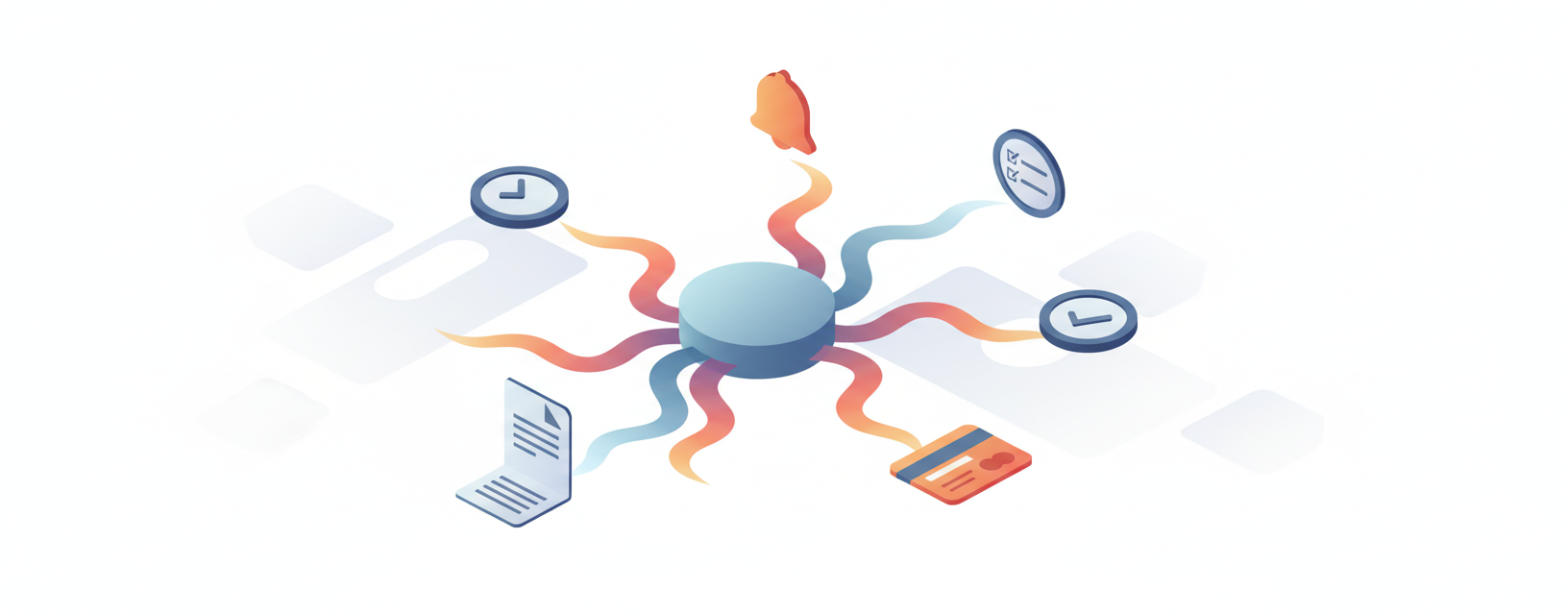
- Time tracking that captures billable hours automatically as work happens, without relying on attorneys to log time manually after the fact
- Invoice generation triggered by workflow milestones, so invoices go out at the right moment without staff intervention
- Native payments that collect retainers, installments, and final balances inside the same system where cases live
- Compliance tools that format invoices to meet billing guidelines like LEDES standards where required
- Automated reminders and follow-ups that chase overdue balances without anyone writing a single email
- Reporting that shows outstanding receivables, collection rates, and cash flow trends in real time
When these pieces connect inside one system, billing stops being a separate workflow. It runs alongside the case.
Time Tracking and Billable Hour Capture
Billable hours don't log themselves, and most attorneys aren't going to stop mid-task to write down exactly what they did and for how long. The result is predictable: time gets reconstructed at the end of the day, the end of the week, or right before the billing cycle closes. Memory isn't a reliable billing system.
Automated time tracking captures work as it happens, tied directly to the case workflow without relying on manual entry later. When a document gets reviewed, a call gets completed, or a form gets filed, the time is recorded in context. No guessing, no gaps.
That accuracy feeds directly into invoice generation. If your time entries are incomplete, your invoices are too, and you're writing off revenue that was legitimately earned.
Invoice Generation and Delivery Workflows
Getting time into the system is only half the battle. The other half is turning that data into an invoice and getting it in front of the client quickly. Right now, 60% of firms take over a week to publish client invoices after a billing period closes. That's a self-imposed delay on cash you've already earned.
Automated invoice generation removes the manual assembly step entirely. When a workflow milestone is hit, an invoice drafts itself using the time entries, flat fees, or retainer terms already in the case file. No copying data between systems, no formatting from scratch.
From there, delivery can be just as automatic: invoices go out via the client portal, trigger a confirmation, and start a follow-up sequence if payment doesn't come through. Multi-party billing, where fees get split or billed to different contacts, can be handled at the template level so it never requires manual intervention per case.
The shift from "someone has to build this invoice" to "the invoice is ready, review and send" is where firms recover the most time.
Payment Processing and Cash Flow Acceleration
Sending an invoice faster only helps if clients can pay it just as fast. When payment requires a check, a wire transfer, or logging into a separate billing portal, friction accumulates and collection slows down.
Native payments change that equation. When a client receives an invoice inside the same portal where they track their case, paying is one click away. Retainers collect at intake. Payment plans set up automatically with the engagement letter. Reminders go out on schedule without anyone drafting them.
At Glade, payment processing is built directly into case workflows through Stripe and Confido integrations. Billing runs alongside the case from day one, which is why firms using it consistently see shorter collection cycles and fewer outstanding balances to chase at month end.
LEDES Compliance and Client Billing Guidelines
Corporate clients set billing guidelines and reject invoices that don't conform. LEDES formatting and UTBMS task codes are the standard most legal departments require, and a single non-conforming entry can trigger a full rejection or a partial write-down you never anticipated.
Automated billing handles this at the template level. Guidelines get configured once, and every invoice generated from that workflow already conforms. Task codes apply automatically based on work type, and format outputs match what the client's billing system expects. The rejection cycle shrinks because the compliance check happens before the invoice ever leaves the firm.
Reducing Billing Errors and Improving Accuracy
Manual billing errors fall into a few predictable categories: wrong rates applied to the wrong client, duplicate time entries, math that doesn't add up, and guideline violations that get caught only after the invoice lands. Each one costs time to fix and trust to repair.
Automated billing with validation rules catches these before they go out. Rates pull from the client file, not from memory. Entries flag as duplicates automatically. Totals calculate without human arithmetic involved. When the system knows the billing rules upfront, it checks against them on every invoice without anyone running a manual audit.
The downstream effect is fewer disputes, fewer write-downs, and less time spent correcting invoices that should have been right the first time.
Integration with Case Management and Accounting Systems
Billing automation running in isolation still creates problems. If invoice data lives in one system while case data lives in another and financial records live in a third, someone is still re-entering information to keep them in sync. That double entry is exactly what automation is supposed to eliminate.
The firms that get the most out of automated billing are the ones where it connects to everything else. Case management feeds billable work into invoices automatically. Invoices post to accounting without manual export. Trust account balances update when a retainer is applied. Nothing requires a data transfer someone has to remember to run.
QuickBooks and similar accounting tools remain common in small firms, and a billing system that can't talk to them creates a new gap instead of closing one. The goal is a single source of truth: one place where case status, billing history, and financial reporting all reflect the same information without anyone matching spreadsheets to get there.
Implementing Automated Invoicing in Your Law Firm
Switching from manual billing to automated invoicing works best when you treat it as a phased change, not a one-day cutover.
Start by auditing what you currently do: which tools handle billing, where data lives, and where handoffs break down. That audit tells you what the new system needs to connect to and what it can replace outright.
From there, a practical sequence looks like this:
- Configure billing templates, rate cards, and client guidelines before going live so invoices generate correctly from day one
- Run automated billing in parallel with your existing process for a short period to verify accuracy without disrupting cash flow
- Train staff on exception handling, not the full workflow, since the system handles the routine steps
- Migrate historical billing data to avoid gaps in client records and reporting
Change management is the part firms underestimate. Attorneys accustomed to reviewing every invoice before it goes out need to trust that the system generates accurately. That trust builds when they see validation rules working and error rates dropping. The goal is review at key points, not oversight of every step.
Once billing runs inside your case workflows, the feedback loop closes fast: faster invoices, faster payments, cleaner books.
How Glade Automates Legal Invoicing from Intake to Payment
At Glade, billing is woven into the workflow from the first client touchpoint, not treated as a separate step that happens after the case work is done.
When a new client comes in, Glade's intake workflow captures their information, collects a retainer through Stripe or Confido, and sets up a payment plan automatically alongside the engagement letter. No one has to remember to send a payment link or follow up on a missing signature. The workflow handles it.
As the case progresses, AI agents track billable milestones, flag incomplete documents, and generate invoices when workflow conditions are met. For bankruptcy firms processing 50+ cases a month, invoices go out consistently without a paralegal manually assembling each one. For immigration practices with recurring filing fees, payment schedules run on autopilot.
"Billing that happens as a byproduct of casework, not a separate task someone has to remember, is what closes the gap between work completed and revenue collected."
Exceptions that need human review get surfaced. Everything routine runs in the background. The result is shorter collection cycles, fewer outstanding balances, and a billing process that scales with your caseload instead of against it.
Final Thoughts on Automated Legal Invoicing
The firms that recover the most time from automation are the ones where billing connects to everything else instead of running in isolation. Automating legal invoices means your time entries, payment collection, and case management all feed from the same source without anyone re-entering data to keep systems in sync. You stop writing off revenue because time entries were incomplete or invoices went out late. Book a demo and we'll show you how Glade handles billing from intake to final payment without pulling your team away from casework.
FAQ
How long does it take to implement automated legal billing in a law firm?
Most firms can configure billing templates, rate cards, and client guidelines within a few hours, then run automated billing in parallel with existing processes for 1-2 weeks to verify accuracy before fully switching over.
What's the biggest difference between automated billing and manual invoice processing?
Automated billing generates invoices as a natural byproduct of case milestones without staff intervention, while manual processing requires someone to assemble, format, and send each invoice separately, often adding weeks to the collection cycle.
Can automated invoicing handle LEDES formatting and corporate billing guidelines?
Yes, automated billing systems configure client guidelines and LEDES formatting at the template level so every invoice generated from that workflow already conforms to requirements, preventing rejections before invoices leave the firm.
When should a law firm consider switching from manual to automated billing?
If your firm is processing 50+ cases per month, spending more than 5 hours per week on invoice generation and follow-ups, or experiencing 60-90 day collection cycles due to billing delays, automation will deliver immediate ROI.